Skip to content
AIBRAINWORX / OpenSourceCoder.comLOCAL-FIRST. BUILT IN THE OPEN.
Gaming / Consumer A.I. / Creative & 3D Tools / Audio & Speech / Creative & Media / Models & Weights

Recreational AI and creative coding: making music, 3D worlds, and games at home

How hobbyists are pairing open-source tools like Blender, Godot, openDAW, and local models for low-pressure weekend creativity.

Listen to this articleGoogle Voice
0:00
Official OpenSourceCoder.com emblem
AI-generated conceptual illustration by AiBrainWorX; not a photograph or product screenshot.
Event / context: Original OpenSourceCoder creative technology feature published November 16, 2026.. Source check: October 28, 2026.

Not every AI project has to be an enterprise workflow or a benchmark race. Some of the most rewarding uses happen after hours—sketching 3D props, jamming with open-source synthesizers, or prototyping small indie games on a home PC.

Open creative stacks are stronger than ever

Tools like Blender, Godot, and browser-based studios such as openDAW give hobbyists complete control over their assets and project files. Adding local AI helpers—such as voice synthesis experiments, texture upscalers, or coding assistants for shader math—works best when the human stays in the driver's seat.

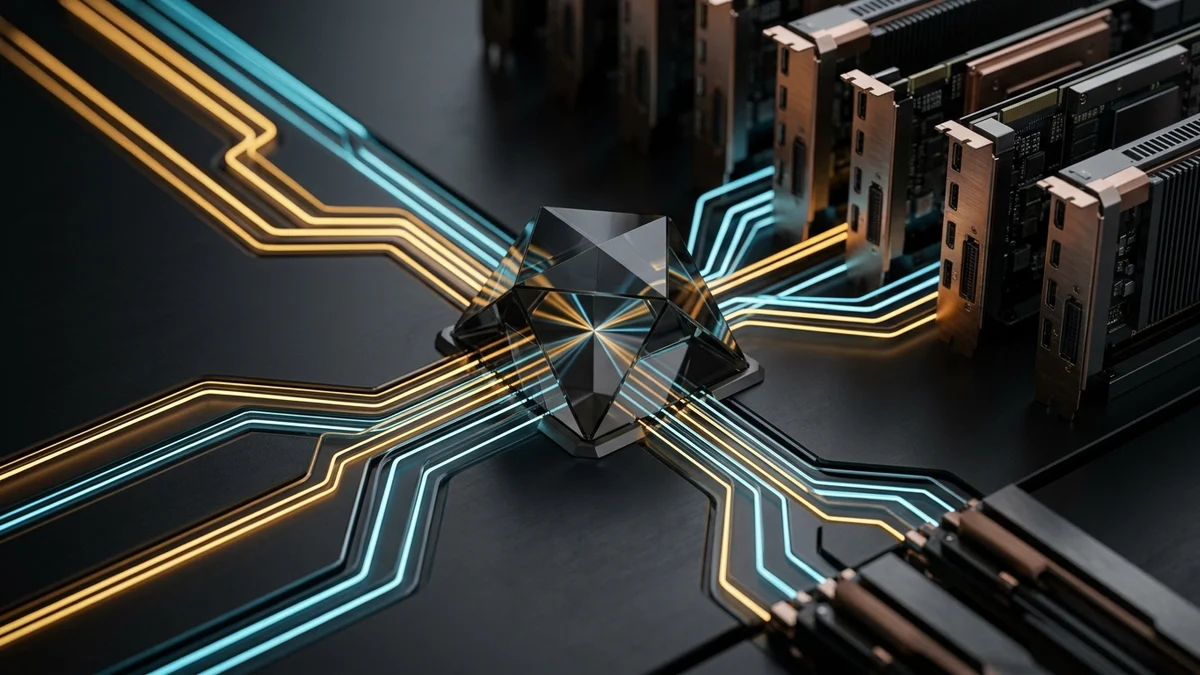
AI-generated conceptual illustration of silicon wafer and memory optics
Conceptual illustration: understanding your hardware's memory and compute limits keeps local creative experiments smooth.

Keeping the joy in tinkering

The best rule for recreational AI is simple: keep your source files open, back up your renders and stems locally, and treat generated drafts as raw clay rather than finished art.

Original AiBrainWorX & OpenSourceCoder editorial feature published November 16, 2026.
Follow your curiosity.

Pass the signal.