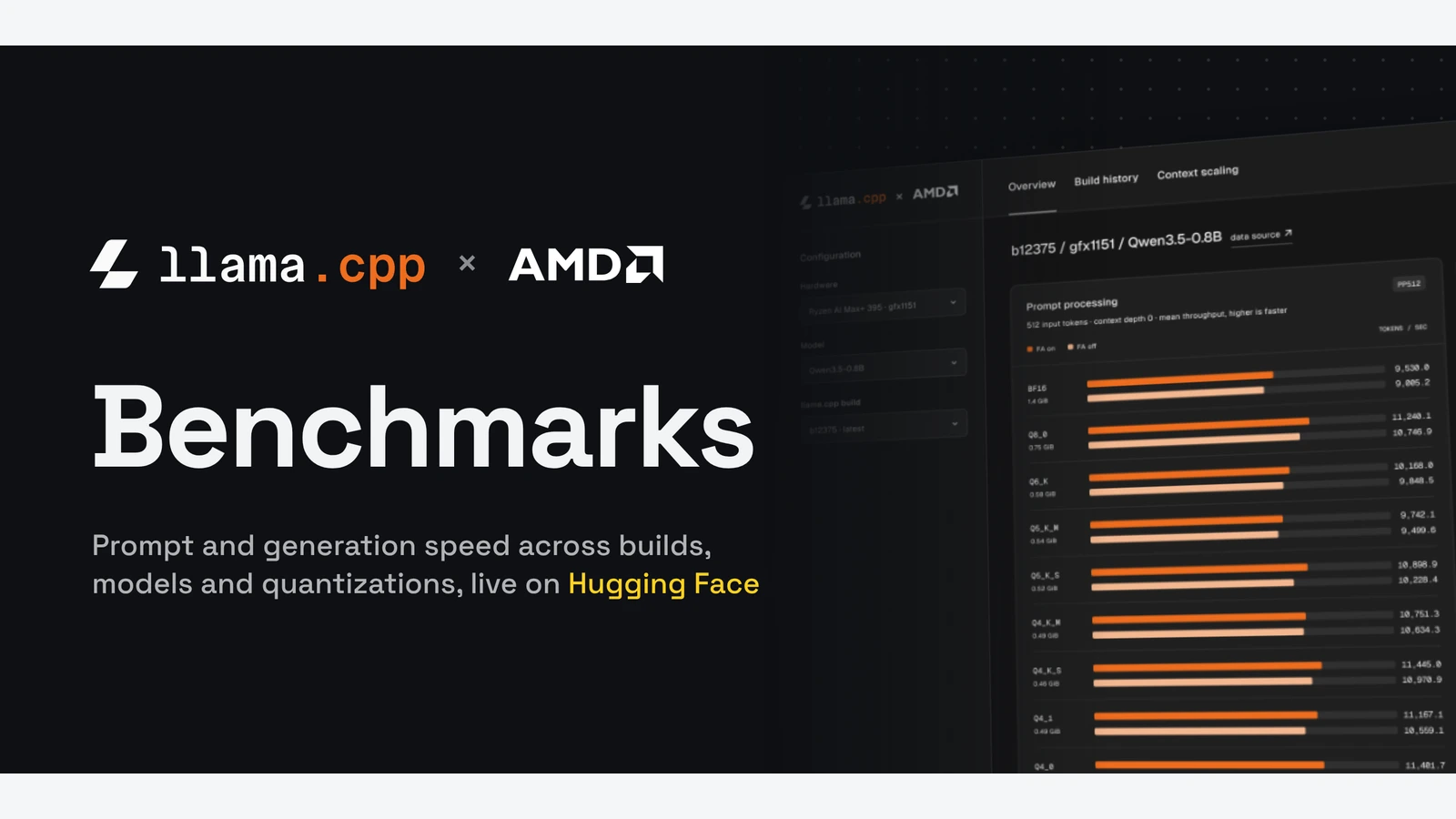
The llama.cpp ecosystem has a new public reference for AMD inference performance: a benchmark dashboard announced on November 26 that compares hardware, models, quantization formats and recorded builds. Its most useful distinction is between processing a prompt and generating an answer. Those are different workloads, and combining them into one impressive tokens-per-second figure can obscure the experience a user actually gets.
The announcement lists Radeon 8060S and Radeon AI Pro R9700S as the current hardware choices. That is a defined test set, not coverage of every Ryzen processor or Radeon card. The dashboard’s build-history view follows measured performance over time, while its context-scaling view examines generation throughput after an existing context has accumulated.
Read the workload before the number
PP512 measures processing 512 input tokens without generating output. TG128 measures generating 128 tokens with no pre-existing context. Both start at context depth zero, and the plotted value is mean throughput. These are useful controlled references; neither alone predicts the latency of a long coding session with a large conversation already in memory.
The linked gfx1151 workflow and gfx1201 workflow make important setup choices inspectable. They schedule weekly runs, invoke llama-bench with Flash Attention on and off, and request ten repetitions. Their additional generation sweep varies the existing context depth. This is published test automation; a scheduled workflow does not guarantee that every scheduled run completed successfully.
Public results are a starting point
The explorer reads the public ggml-org/install.sh-benches-data Hugging Face storage bucket. Standard results and generation-depth sweeps are separate JSONL files, allowing readers to inspect the underlying measurements rather than rely solely on a chart. The installation and workflow repository carries the MIT license. Individual model artifacts retain their own terms.
Our analysis: this is a more useful way to discuss local inference than a universal speed ranking. A model that looks attractive at an empty context can become less practical as working history grows. Hardware, build, precision and workload need to stay attached to a result when it is quoted. The dashboard helps readers ask those questions, but does not establish answer quality, total application latency, power consumption or performance on an unlisted machine.
Review the repository profile on OpenSourceCoder.com before following upstream setup instructions. We reviewed the announcement and workflow source; we did not run these benchmarks or install a new runtime.
EXPLORE THE SOURCE
Projects in this story
GitHub repositories
- ggml-org/llama-install.sh ↗View project details
Original source-reviewed reporting. No local installation, inference, benchmark or production deployment was performed.